


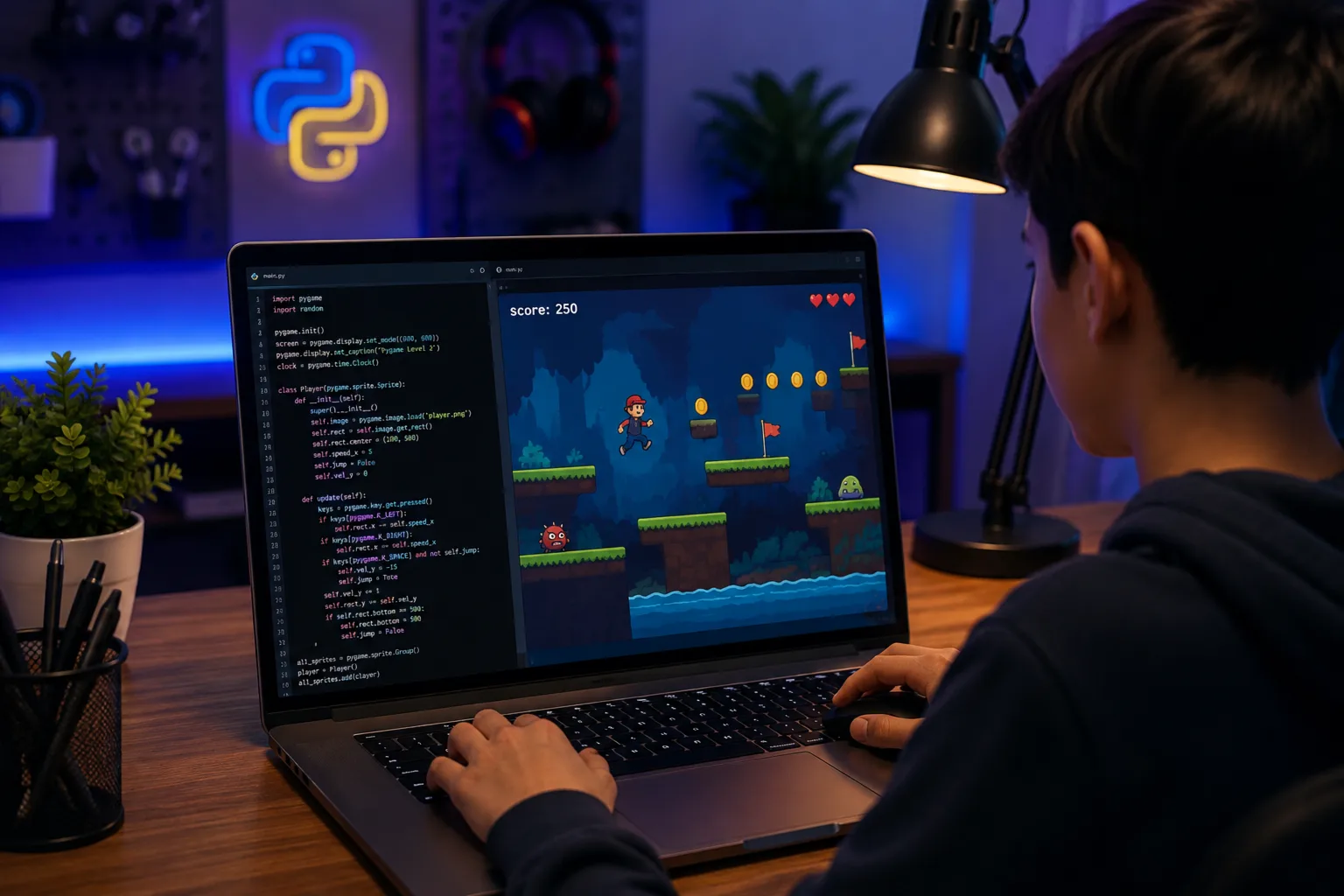
Why take this course?
Prerequisites:
Course Outline
Learning Outcomes
- Build and run a complete game using Pygame's game loop, structuring input, update, and draw logic every frame.
- Detect and resolve collisions between moving objects using pygame.Rect and colliderect(), as seen in Pong and Bricks & Blasters.
- Represent a growing or changing object as a list, and manage many list-based objects at once, as demonstrated in Snake and Bricks & Blasters.
- Apply gravity, velocity, and acceleration to create natural, physics-driven motion, as shown in Flap & Fly.
- Use timers, randomness, and simple AI to build procedurally generated and reactive game elements.
- Be prepared for object-oriented, systems-level game design; refactoring into Sprite classes, building enemy AI, and adding full game shells in Pygame Level 2.
Schedule
Up Coming
New batches start every week!
We're currently finalizing the schedule. Check back soon or contact us to reserve your spot.
Ongoing
No ongoing batches at the moment
Check back soon or explore upcoming batches above.
Book a free sessionTeachers

Navaal Noshi
Teaching Game Development with Pygame
Joined: August, 2025
1 year and 3 months
This course uses game programming in Python and Pygame to help students build strong logic and problem-solving skills. By coding classic games like Snake, Flappy Bird, and Brick Breaker from scratch, students learn how to turn ideas into working programs. They will work through real challenges such as handling movement and speed, detecting when objects collide, and keeping track of scores and game states.
Projects
Our Young Innovators in Action
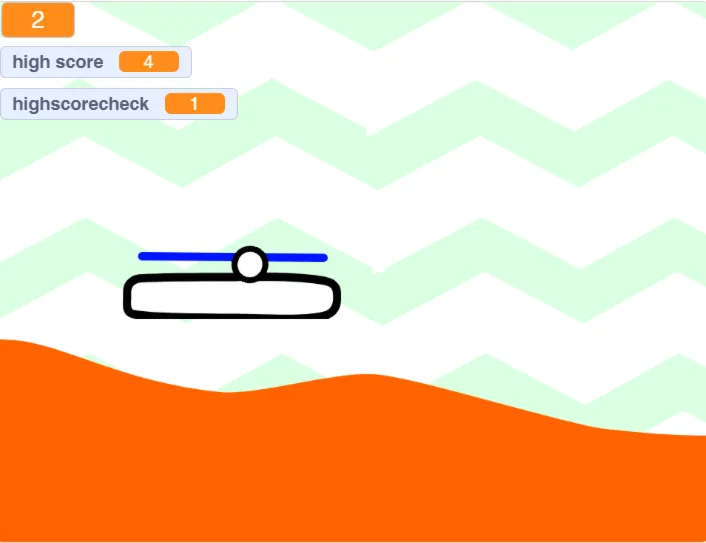
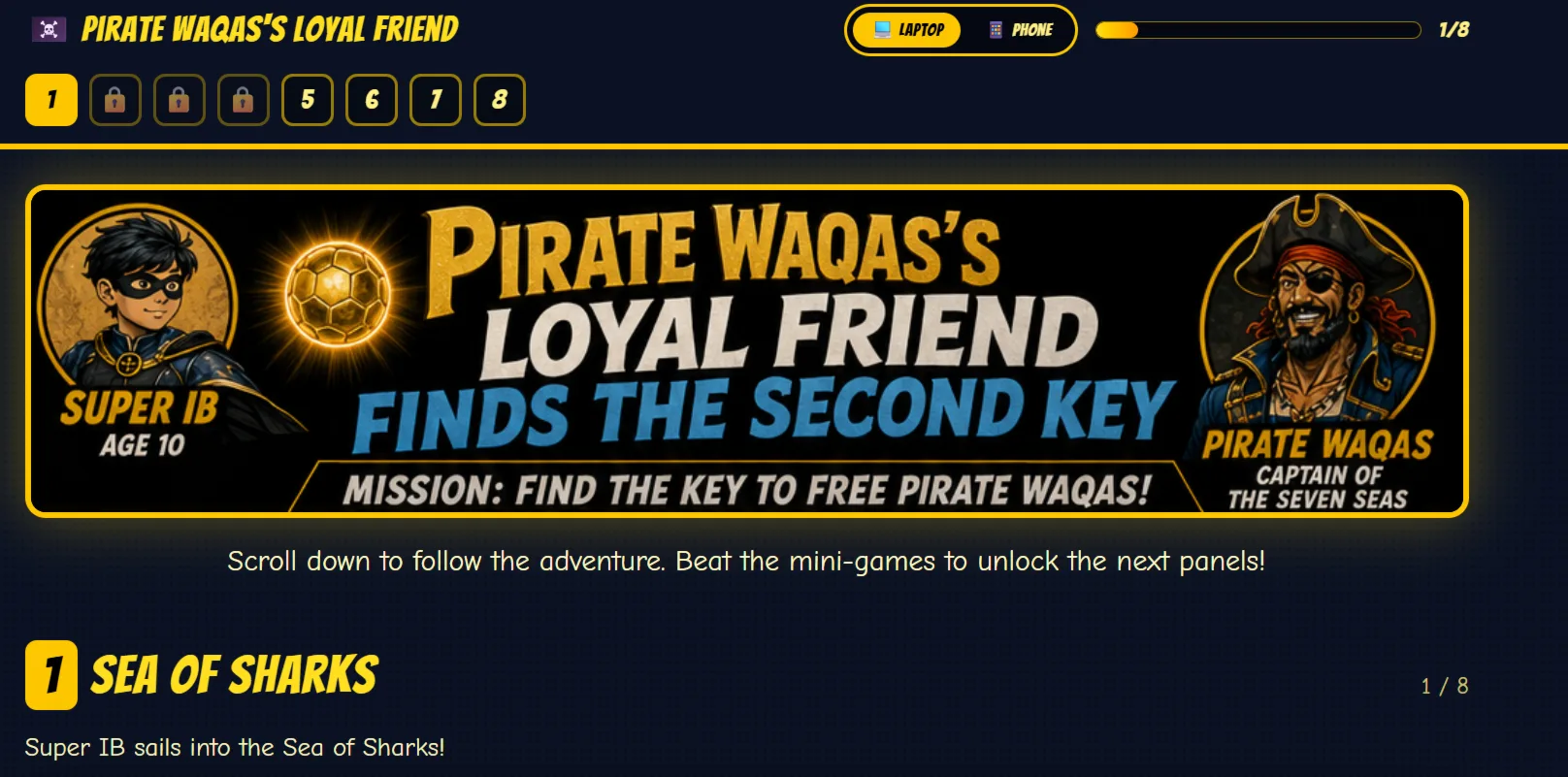
Every project tells a story of creativity, curiosity, and critical thinking. Here are some of the incredible works built by our students




 Book a free session


 32 Lessons

