


Why take this course?
Phones are part of everyday life, but very few people know how the apps on them actually work. This course turns students from app users into app creators. Through Project-Based Learning (PBL), every class builds towards a working app, including a personal profile app, a calculator, a quiz app, a login system, and games like Whack-a-Mole, Ping Pong and Space Shooter.
Along the way, students learn core programming ideas used in every language: event-driven programming, variables, conditional statements, lists, procedures and randomisation. They then apply them to game development with sprites, timers, collision detection and game loops. Because App Inventor is block-based, students can focus on logic and problem-solving instead of syntax, while still learning how real apps are structured.
Students also learn to test, debug and improve their work, and to think like designers about how a user will interact with their app. By the end, they will have planned, built and presented an original app or game, giving them the confidence and foundation to move on to text-based languages such as Python or JavaScript.

Prerequisites:
- Comfortable using a computer, including a mouse, keyboard and web browser.
- Recommended: Scratch Level 1, or any block-based coding experience. Not required
- A typing speed of 20 Words Per Minute (WPM) is recommended. For practice, you can visit these websites:
- An Android phone or tablet (or iPhone/iPad) with the free MIT AI2 Companion app, to test apps on a real device
- To maximize the benefits of this course, students must be age 9 and above or have the qualifications mentioned below.
Course Outline
Learning Outcomes
- Navigate the MIT App Inventor environment, and explain how the Designer and Blocks Editor work together to build an app.
- Design clear, structured app interfaces using Labels, Buttons, Images, Text Boxes and Arrangements, and control their properties such as size, colour, alignment and visibility.
- Use event handlers to make apps respond to user actions like clicks, touches and text input.
- Store and process information using variables, mathematical operators and the difference between text and numerical data.
- Apply conditional statements and logical operators to validate input, check answers and handle errors such as empty fields or division by zero.
- Organise data with lists and list indexing, and use randomisation to create unpredictable outcomes.
- Build interactive games using the Canvas, ImageSprites, X and Y coordinates, Clock timers and touch events.
- Test and debug apps by identifying incorrect component references and faulty block logic, and improve the overall user experience.

Schedule
Up Coming
Ends 28 Feb 2027
4:00 PM - 5:00 PM
5 seats left
Mishal Ahmed
Ongoing
No ongoing batches at the moment
Check back soon or explore upcoming batches above.
Book a free sessionTeachers

Mishal Ahmed
Teaching App Development with MIT App Inventor
Joined: November, 2024
2 years and 0 months
Building an app is exciting. Understanding how it works is what makes a great developer. In this MIT App Inventor course, students learn to design and develop real mobile applications while exploring concepts such as user interfaces, data handling, sensors, and event-driven programming. Rather than simply assembling components, they learn how to plan features, solve technical challenges, and create apps that serve a real purpose.

Navaal Noshi
Teaching App Development with MIT App Inventor
Joined: August, 2025
1 year and 3 monthsGet ready for an incredible ride! In this MIT App Inventor course, we don't just assemble components we build real, working mobile apps! From exploring user interfaces to using phone sensors and data, kids will learn the logic behind event driven programming. Every session pushes students to tackle technical challenges and create apps that serve a real purpose, all while keeping it fun and exciting.
Projects
Our Young Innovators in Action
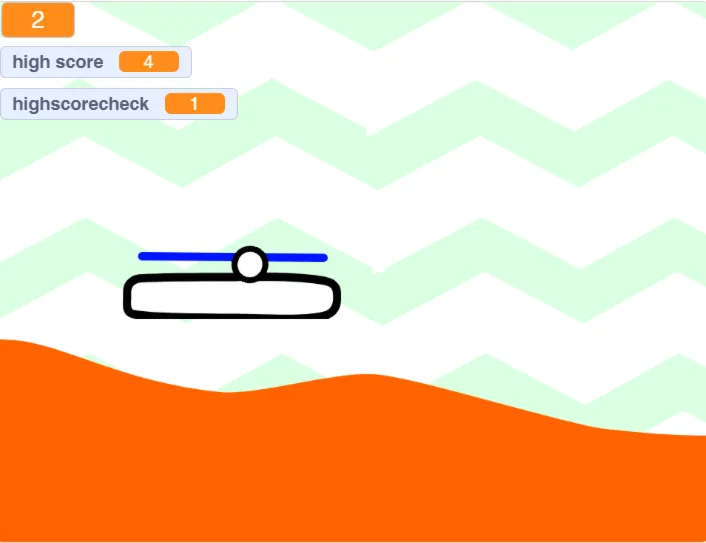
Every project tells a story of creativity, curiosity, and critical thinking. Here are some of the incredible works built by our students




 Book a free session


 16 Lessons

