


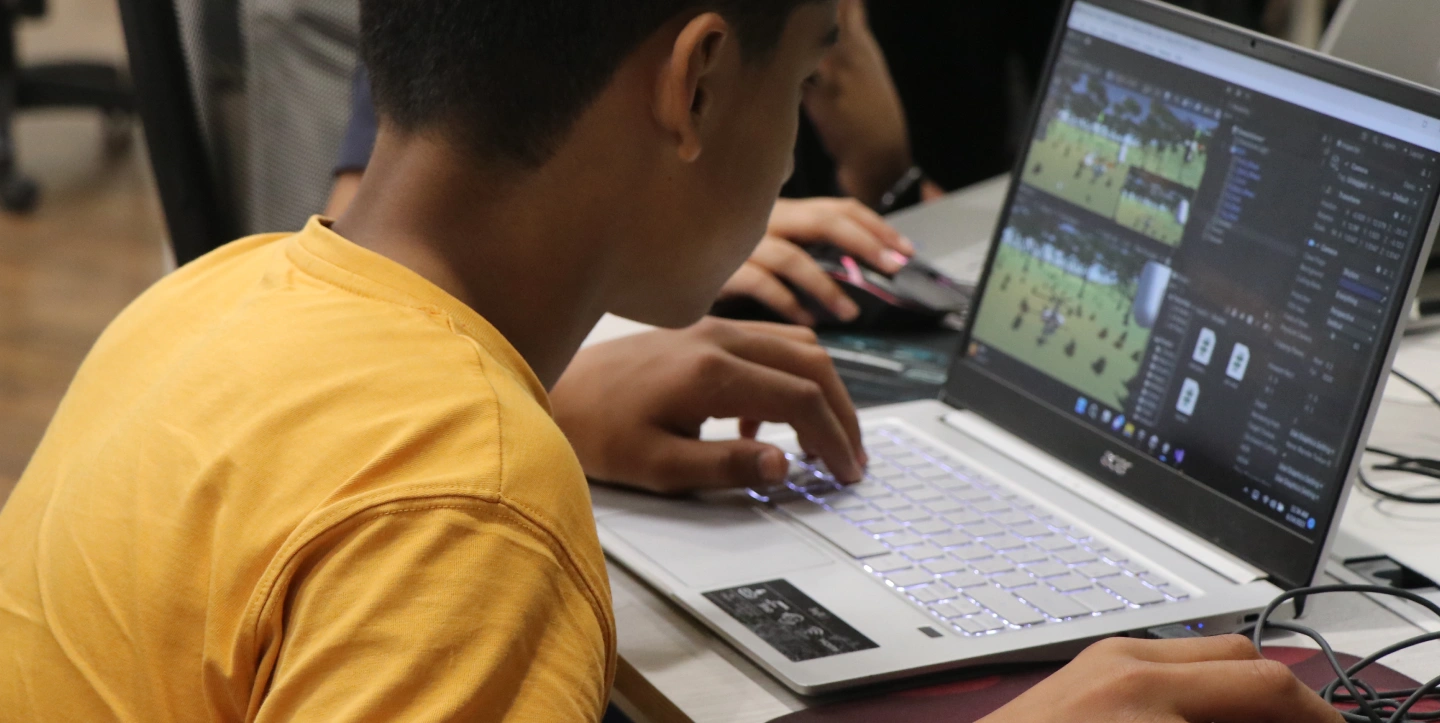
Why take this course?
Build and publish a complete game in Unity, integrating 3D models, audio, and visual effects sourced from the Asset Store and external libraries like kenney.nl or opengameart.org.
Achieve a thorough understanding of C# programming, focusing on creating and utilizing functions and mastering essential syntax for game logic and development.
Master the game build process, creating executable files for PCs and mobile devices to share their creations with friends. They will publish a 2D game on their phone and run a 3D game on their PC.
Implement object-oriented concepts to manage multiple scripts, establish object referencing, and enable dynamic object updates within the game.
Design and construct diverse game scenes, including complex 3D terrains (mountains, trees), a car racing environment, a football stadium, and a classic 2D environment using sprites.
Gain the skill to independently find and utilize advanced learning resources, including official Unity documentation and curated reference projects, to accelerate their next stage in Game development.
Prerequisites:
- To maximize the benefits of this course, students must be age 12 and above or have the qualifications mentioned below.
- Qualification of Scratch Level 3, Python Level 1, Unity Level 1, experience with browsing/hand-on experience with command-line interface in games, basics of computational thinking, or having any other programming or non-programming language experience that involves technical abilities, problem-solving, graphics, and interaction from the user.
- A typing speed of 20 Words Per Minute (WPM) is recommended. For practice, you can visit the following website:
Course Outline
Learning Outcomes
- Participants can create a finished game on Unity with multiple scripts, scenes etc.
- Participants can interact easily with the software, creating 2D and 3D objects.
- Participants know how to create the executable file of the game and share it with friends
- Participants know how to add and edit scripts to their games – How to make use of Standard Assets
- Participants can make the following type of scenes – first person – third person – racing game – city park – mountainous terrain – a football field –
- Participants have experience of making 4-5 beginner level games so they have enough ease with the software

Schedule
Up Coming
New batches start every week!
We're currently finalizing the schedule. Check back soon or contact us to reserve your spot.
Ongoing
No ongoing batches at the moment
Check back soon or explore upcoming batches above.
Book a free sessionTeachers
Projects
Our Young Innovators in Action
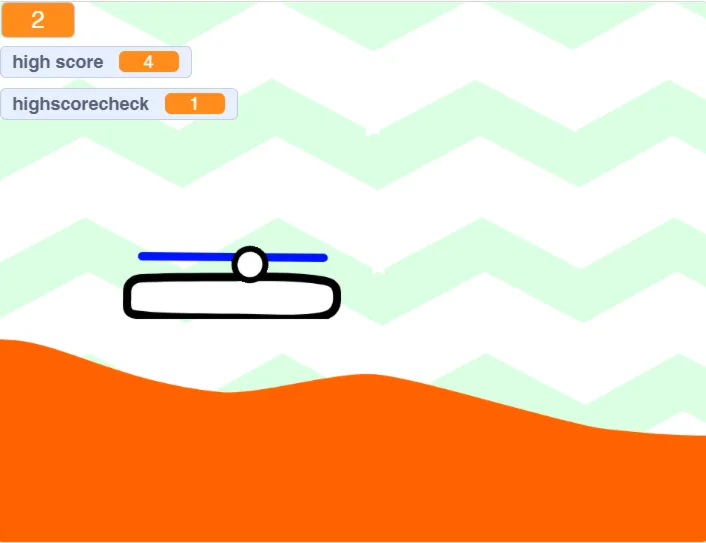
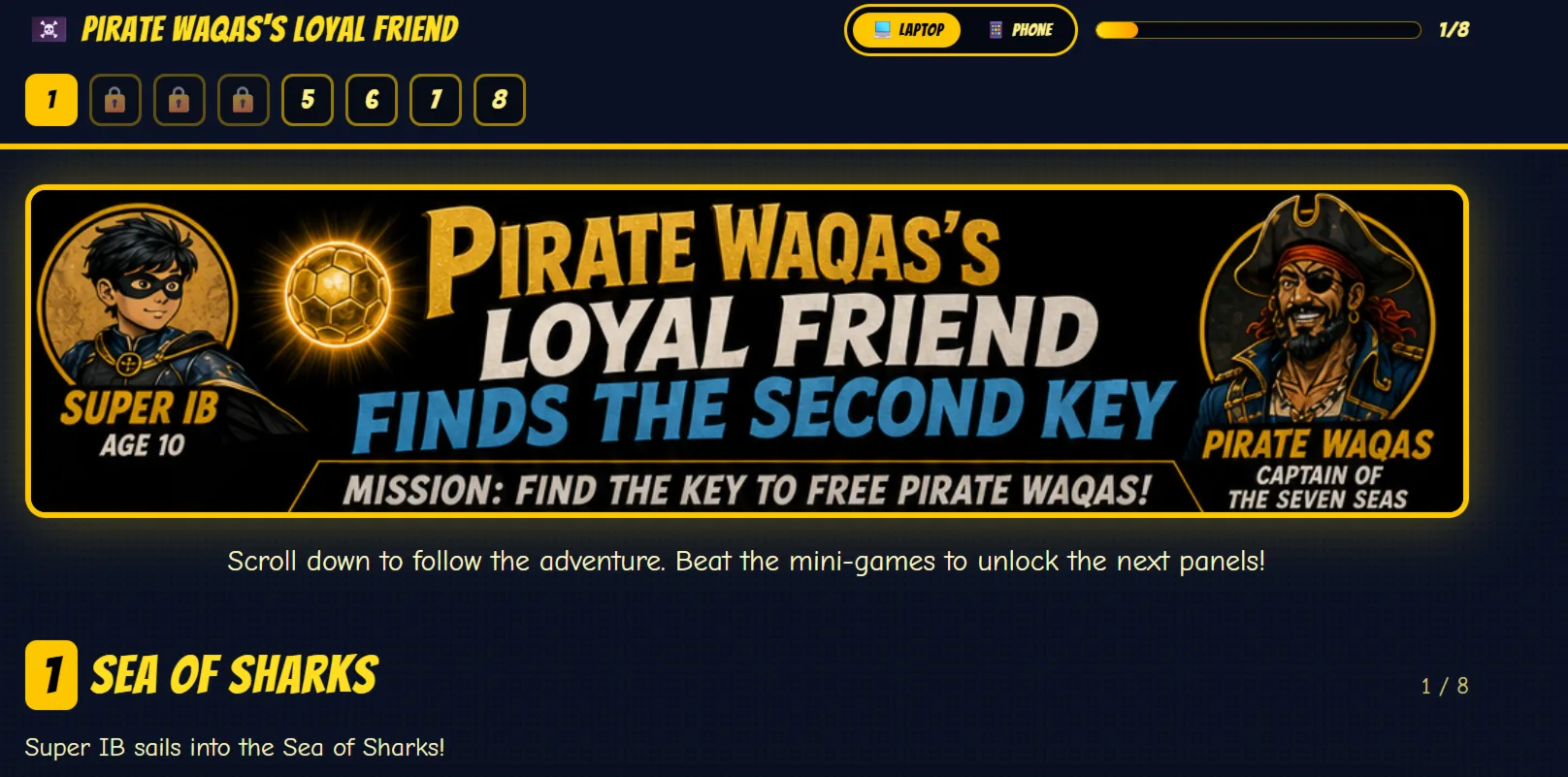
Every project tells a story of creativity, curiosity, and critical thinking. Here are some of the incredible works built by our students




 Book a free session

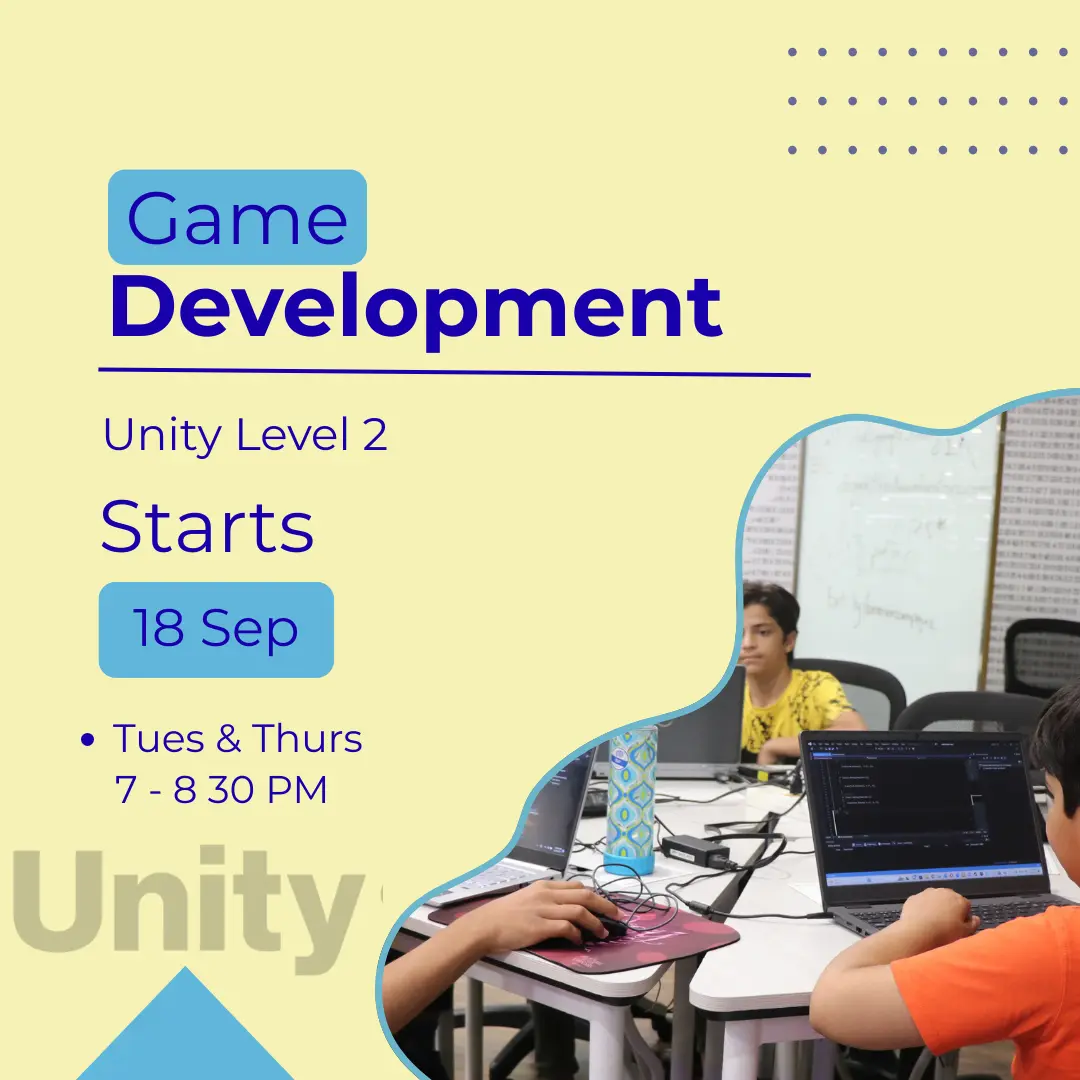
 32 Lessons
